Answers the phone
On your number, or on a new local number. Day and night, in the client's language.
Optional
Switch it on from your dashboard when you need it. It answers your phone, WhatsApp and Instagram in your salon's name and books straight into your calendar.
Add it to any plan and switch it off whenever you like.
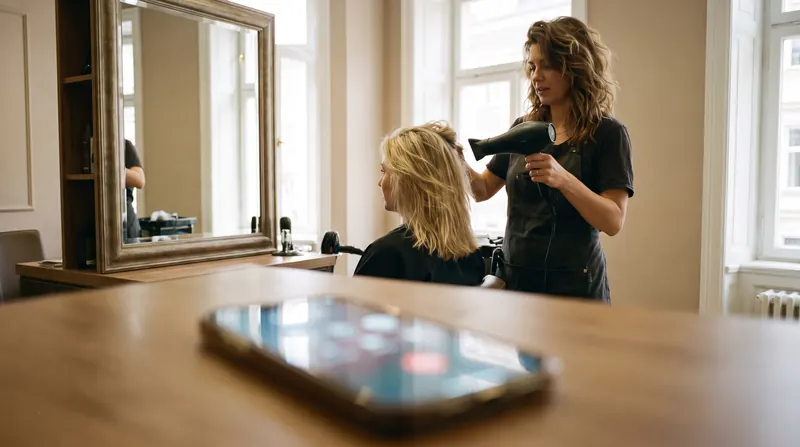
On your number, or on a new local number. Day and night, in the client's language.
Replies to messages and books from the conversation.
A discreet chat on your website, connected to the same calendar.
Sees the real free times and the staff who do the service.
It never books without the client's confirmation.
Same day cancellations and special cases go to a person.
How the receptionist works
Four steps, every time, on every call and message.
On the first ring, in the client's language. No press 1, no call back later. Even while your hands are busy.
Good afternoon, Maison Belle, this is Ana. How can I help?
It checks your calendar: who does the service, how long it takes, where there is really room. It only offers times that exist.
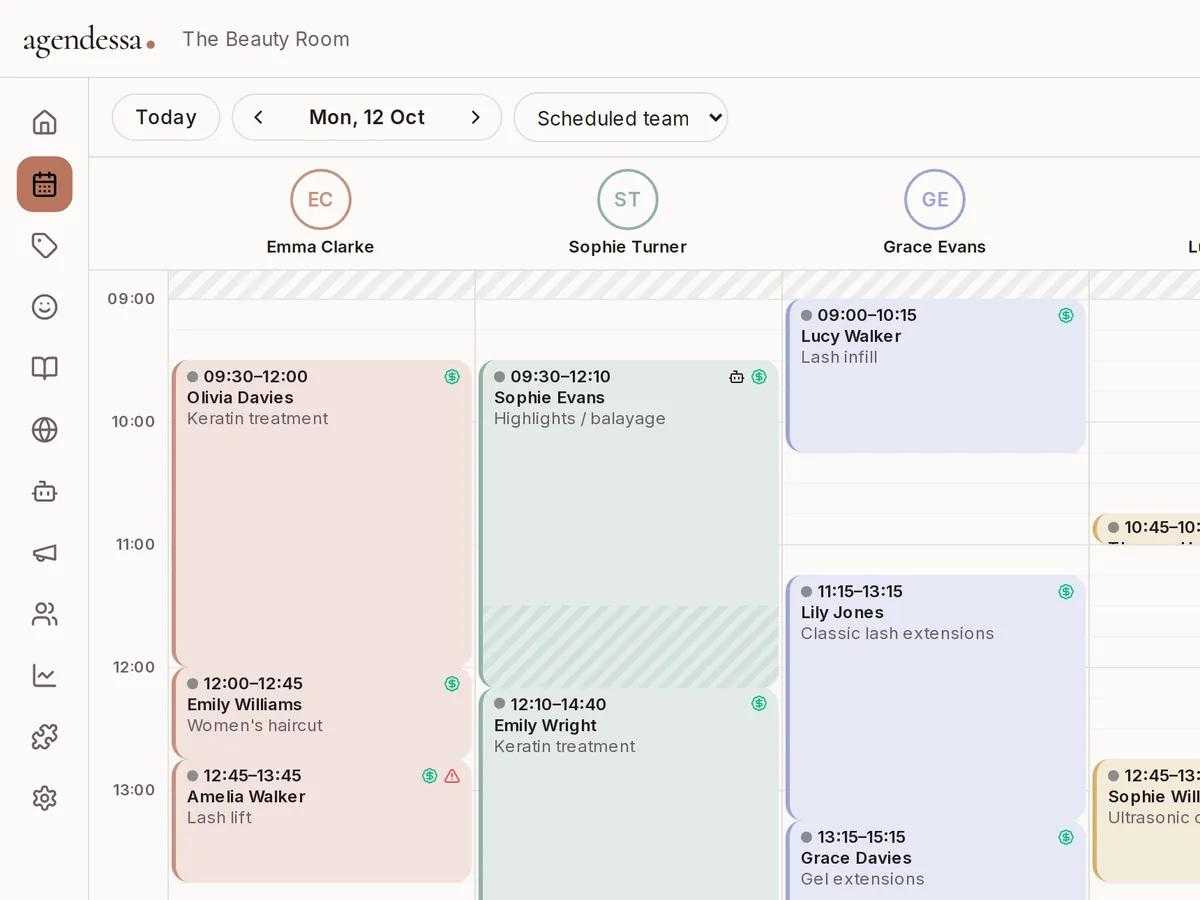
Nothing goes into the calendar without the client's confirmation. Service, time, team member and price are said clearly first.
Tomorrow at 14:30 with Bianca, root colour, €45. Shall I book it?
Yes, please.
The appointment lands in your calendar and the client gets a confirmation. Anything unusual goes straight to a colleague.
Special requests go to a colleague
Forward your salon's number or get a new local number.
WhatsApp Business, Instagram, Facebook and website chat, as many as you like.
What it can do alone, what it leaves to your team, what it says about prices and policies.
See every call and message in your inbox and take over at any time.
Write to us and we will set it up together with your services and rules.
No. Agendessa works fully without it. You switch it on only if you want to.
It politely says a colleague will get back and sends the conversation to your inbox with the full context.
It only uses real free times and asks the client to confirm before booking. You can see and correct every appointment in the calendar.
Conversations and appointments stay in your salon's account, on servers in the European Union.
The price is not set yet. Write to us and we will send you the offer when it is ready.
Sign up for free and set up your salon in a few minutes.