agendessa





























Home & office cleaning
Scheduling software for cleaning companies
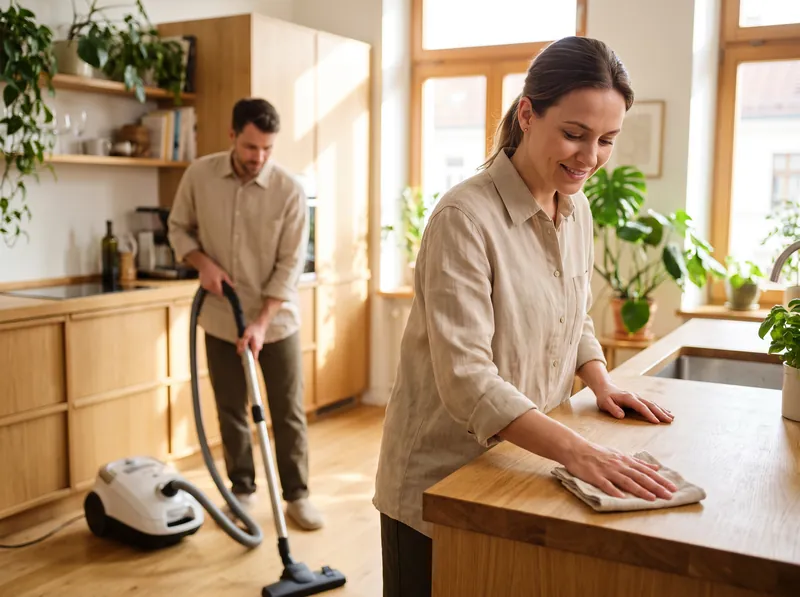
You have teams across several addresses, customers who want a clean every two weeks and offices every week. Agendessa puts addresses, area and teams in one calendar and brings customers back on its own.
What you get on day one
Starter services for home & office cleaning. Times and prices are examples you can change any time.
- On-site assessment45 min
- Deep clean (2-room flat)240 minfrom £70
- Regular cleaning180 min · back in 14 daysfrom £42
- After-builders cleaning480 minfrom £155
- Office cleaning (visit)180 min · back in 7 daysfrom £50
- Sofa / carpet cleaning120 minfrom £50
The client card for Home & office cleaning
Fields that appear on the card for your trade, alongside phone, email, notes and history.
- Service address
- Access / intercom / floor
- Area (sq m)
- Pets at home
Rules ready to go
- 30 minutes between jobs for travel. Change it in Settings.
- A rebooking reminder after each service's usual interval.
A day at a cleaning company with Agendessa
- 1
Customers pick the clean
Deep, regular or after-builders cleaning, at a suitable time, booked online.
- 2
The address on the booking
The address shows on the booking with a Google Maps link, plus travel time after every job.
- 3
Know what to expect
Floor area, access and pets at home are noted on the record.
- 4
Regular cleans come back
After 14 days the customer gets the message to book the next clean on their own.
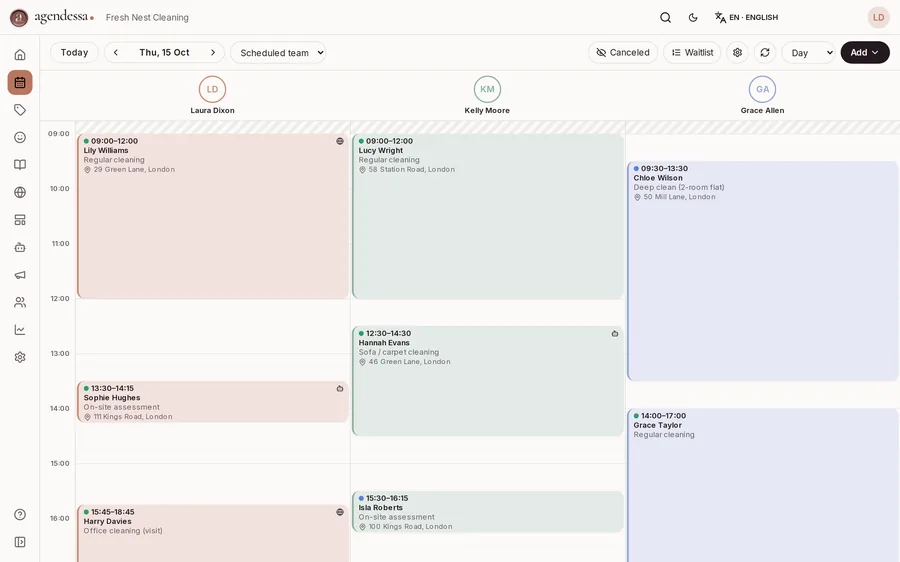
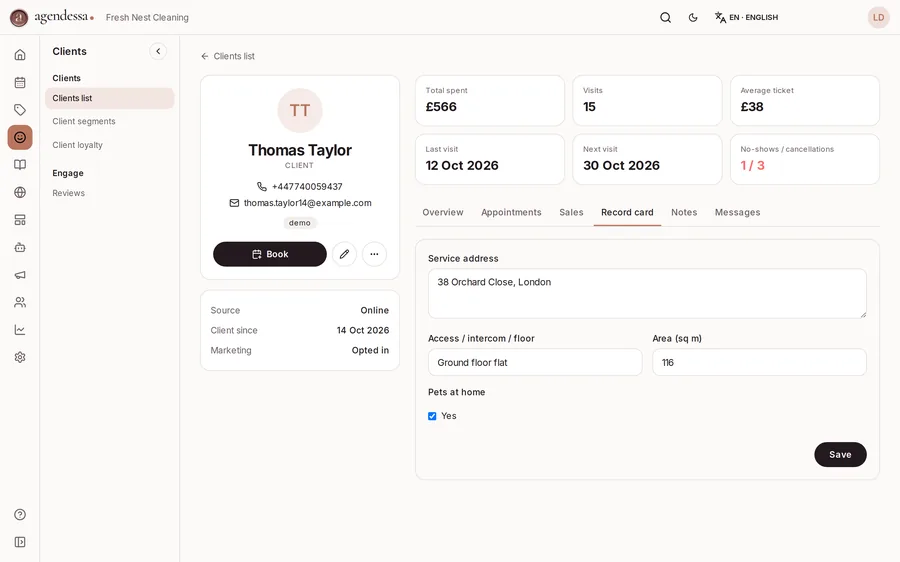
Real screenshots from Agendessa demo accounts.
How you work with Agendessa
Bookings online, not by phone
Customers pick a deep clean, a regular clean or an after-builders clean and a free time. The record holds the area in square metres, access details and whether there are pets.
Each team, its own schedule
Each cleaner or team has a column in the calendar. The address shows on the booking with an “Open in Google Maps” link, and 30 minutes stay free for travel between addresses.
Regular customers come back
After a regular clean the customer gets “Time to come back” at 14 days, and offices at 7 days, with your booking link.
Deposits on after-builders cleans
For an after-builders clean you ask for a deposit, paid online to your own Stripe account, before you block a whole day.
Free tools for appointment businesses
Frequently asked questions
Does it calculate the price by area?
Not automatically. The area is noted on the record, and service prices are starting prices you adjust at checkout.
Does it handle timesheets or payroll?
No. Agendessa does no timesheets or payroll. It shows each team's schedule and what everyone worked on, from the bookings.
Can I work with business customers?
Yes. You schedule office cleaning every 7 days and issue an invoice to the company at checkout.
Where do keys and access codes go?
Access, intercom and floor sit on the customer record and show on the booking, so the team knows how to get in.
Can the AI receptionist take bookings?
If you switch it on, yes. It answers the phone, WhatsApp and your website chat while you are on a job, checks real free times and books straight into the calendar.
Can't find your industry? Tell us and we will add it to Agendessa.
Tell us your industryStart in a few minutes
Free sign up, no card needed. The services for your trade are already set up.